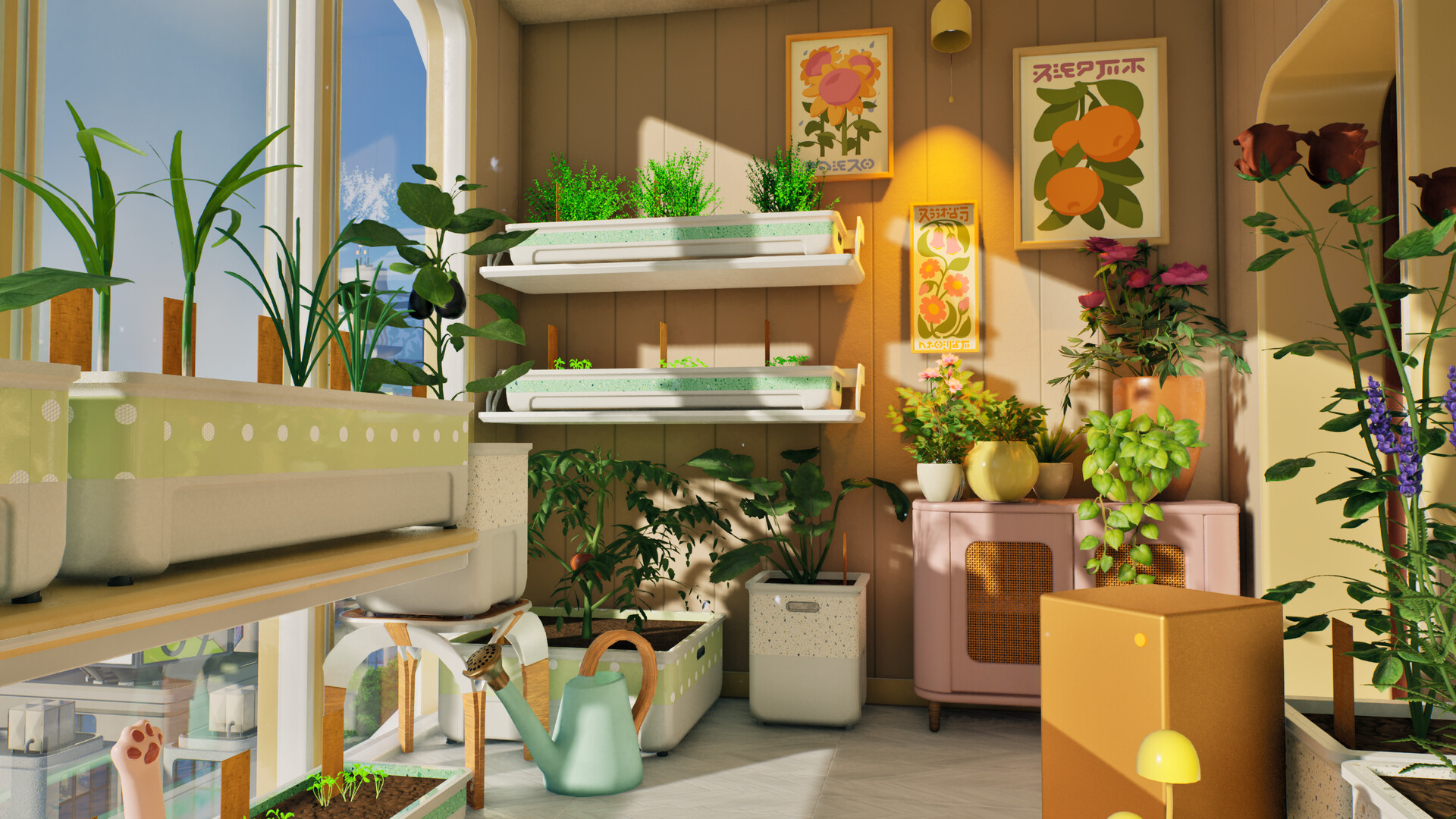
Pre-release launch hub
Independent fan wiki - not official
Tiny Eden
Track the Steam release date, learn the demo loop, and keep plant care, materials, cooking, progression, and known issue questions in one practical fan guide.
Launch status
What to check first
Tiny Eden is still in its pre-release window, so the homepage starts with durable tasks instead of pretending every value is final.
Site status
Independent fan wiki
Not affiliated with Bajka Games, Digital Vortex Entertainment, or Steam.
Verified source
Steam pages
Release date, demo availability, platforms, and screenshots are checked against Steam.
Still provisional
Launch-week values
Exact prices, yields, recipes, and issue fixes need re-checking after September 7, 2026.
Database / Launch Week
Use hubs before exact tables exist
These routes catch high-intent launch searches while clearly marking what is verified now and what still needs the full release build.
Plants
Care dimensions and verification status before plant tables are safe.
No unsourced valuesRecipes
Cooking route, recipe-table status, and profit-math guardrails.
System hubSoil
Compost, sand, clay, light, temperature, water, and weeds.
Steam verifiedSystem Requirements
Windows and SteamOS/Linux checks with Steam as source of truth.
Task routes
Choose the guide that matches your blocker
The site is organized by player questions: release status, demo, plants, recipes, soil, requirements, care, resources, money, rooms, and issues.
Release Date
What the current Steam date means and what to check before launch.
Demo Guide
Start the apartment garden loop without making early assumptions.
Plants Hub
Use care dimensions first; save plant-specific tables for verified launch data.
Recipes Hub
Track the grow, cook, sell loop without unverified recipe math.
Soil Hub
Sort compost, sand, clay, light, temperature, water, and weeds in one route.
Plant Care
Planters, soil mix, light, temperature, water, and weeds in one readable model.
Materials And Pots
Track compost, sand, clay, pot questions, and Canopus-pot signals.
System Requirements
Check Windows, SteamOS/Linux, demo, and Steam Deck status from Steam.
Cooking And Money
Use harvests, meals, selling, and upgrades as one planning loop.
Known Issues
Crash, save, exit, shelf, and localization topics gathered from community signals.
Demo quick facts
Useful answers before you open a guide
These are stable, player-facing notes from Steam pages and demo-facing discussion signals, separated from exact values that still need launch-week verification.
Soil mix, sunlight, temperature, water, and weeds are the core pressures.
Check plant symptoms before buying more pots.
Harvests can feed cooking, selling, and room upgrades.
Decide whether a crop is better sold raw or saved for meals.
The official demo is on Steam app 3384910.
Avoid unofficial downloads while testing pre-release builds.
Exact recipes, prices, growth times, and fixes are not final wiki data yet.
Treat numbers as launch-week verification work.
Plant condition map
Read plant symptoms as a system
Plant care is easier when soil, light, temperature, water, and weeds are treated as connected conditions.
Compost, sand, and clay affect plant readiness.
Check material terms before chasing plant-specific values.
Steam and demo signals mention sunlight as a care pressure.
Use the plant-care guide before moving planters.
Plants react to room conditions, not just water.
Treat exact ranges as launch-week facts.
The loop rewards regular inspection.
Solve care symptoms before buying more containers.
Materials and pots
Keep resource questions sortable
The resource guide separates confirmed concepts from launch-week values so players know what can be acted on now.
Known issues
Find the report family
Current problem reports are grouped by player-facing symptom so a fix path is easier to choose.
Next move
Enter launch week with a route, not a guess.
Start with the demo guide, then branch into plant care, materials, cooking, room progression, or known issues as soon as a specific question appears.